
Enter the container number, booking reference, or bill of lading into the search box above and press Track. You'll land on a live view showing whether the box is at port, on the water or already cleared, along with the vessel, route and current ETA.
Web App
Global Container Tracking
Track your shipment online by container number, Bill of Lading (B/L), or booking number.
Live Map
Every shipment, one map
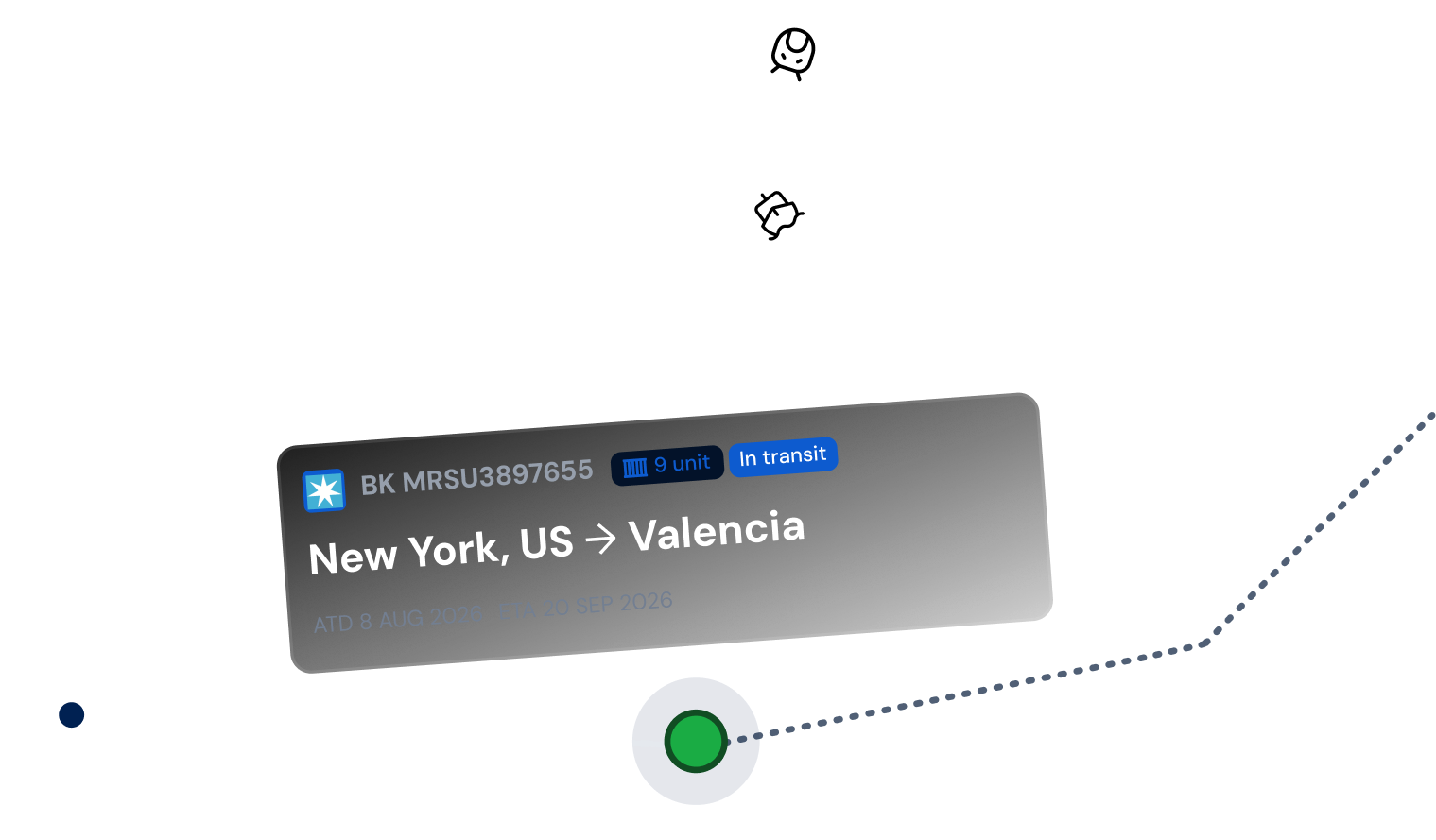
Once you run a search, Qubictron plots the container's current position on an interactive world map: the vessel it's on, the route between ports, and every stop already made. No more piecing together updates from separate carrier logins.
-
 Current vessel position and voyage
-
 Full port-by-port call history
-
 Time spent at each transshipment port
-
 Continuously refreshed ETA at final destination
Tracking Events
Follow the shipment from booking to delivery
Every status change lands in your timeline the moment the carrier reports it. Nothing to refresh, and no guessing between updates.
-
01
Booking confirmed
Reference number is live in the system, ready to be tracked.
-
02
Gated in & loaded
Container arrives at origin terminal and is loaded onto the vessel.
-
03
Departed origin port
Vessel sails, and voyage tracking begins on the map.
-
04
Transshipment stop
If the route includes a transfer port, dwell time is tracked automatically.
-
05
Arrived at destination
Vessel berths and discharge is reported at the final port.
-
06
Gated out & delivered
Container clears the terminal and reaches its final stop.
Built For
One search box, several teams
-

Importers & exporters
Check a shipment's status yourself instead of waiting on a forwarder's reply.
-
Freight forwarders
Answer "where's my container" questions in one lookup, across every carrier you book with.
-

Trading companies
Keep an eye on inbound and outbound cargo without logging into a dozen carrier sites.
-

Logistics platforms
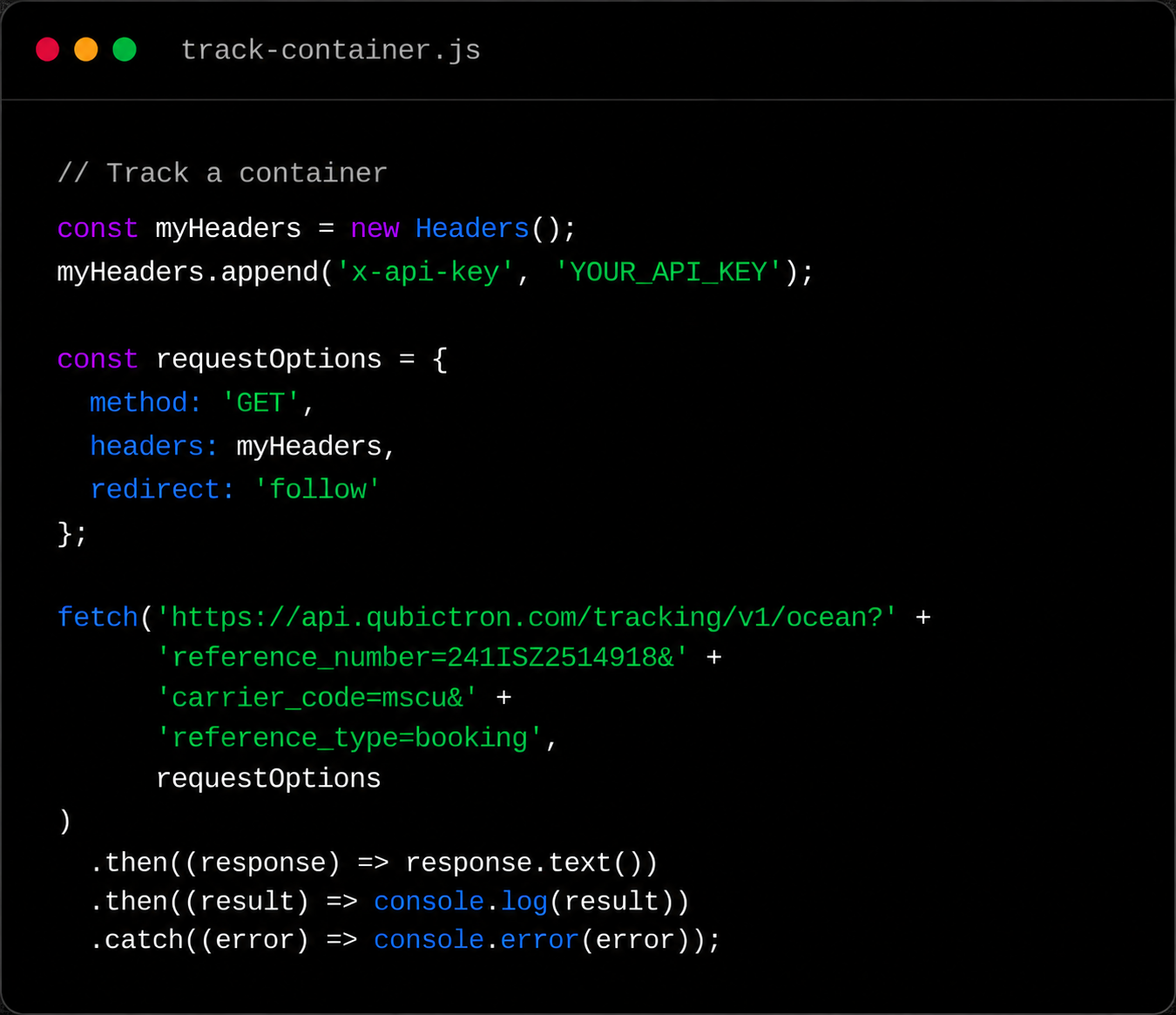
Try the tracking experience here first, then bring it into your own product through the API.
How It Works
Built on live carrier and vessel data
Qubictron combines two sources so the map stays honest: status events reported directly by shipping lines, and vessel positioning from the Automatic Identification System (AIS), which tracks ship movement via satellites and coastal stations. When a carrier hasn't posted an update yet, AIS still shows you roughly where the vessel is, so the screen is never blank.
- Direct data feeds from major ocean carriers
- AIS vessel positioning as a live backup signal
- ETAs that adjust as new events come in
FAQ
Container tracking, answered
Yes. A bill of lading number works the same way as a container or booking number in the search box. Qubictron looks it up with the matching carrier and returns the same live tracking view.
Most standard containers don't carry their own GPS unit. Qubictron instead tracks the vessel carrying the container using AIS positioning combined with the milestones the carrier reports, which gives you accurate location and timing without needing a physical tracker attached to the box.
It's how long a container sits at an intermediate port waiting for its connecting vessel. Qubictron tracks this automatically for every transfer port on the route, so a wait that runs long shows up early. Connection delays are a common cause of late deliveries, and catching one leaves you time to react.
It does. This page runs on the same underlying tracking data as the Qubictron Container Tracking API. Use this app for one-off lookups, or connect the API when you want that same data inside your own website or system.
Once you search, Qubictron shows a continuously updated ETA for the final port, plus every milestone along the way: gate-in, loading, departure, transshipment and arrival. The estimate refreshes automatically as the carrier reports new events, so you don't need to keep re-checking.
Ready when you are
Look up a single shipment, or bring live tracking into your own product.
Track a shipment
Open the live tracker and search any container, booking, or bill of lading right now.
Open Tracking
Need it on your own site?
Pull the same tracking events into your platform with the Container Tracking API.
See the API